When you are asked
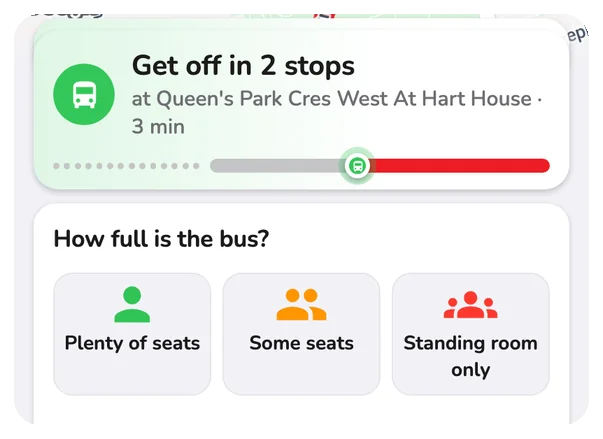
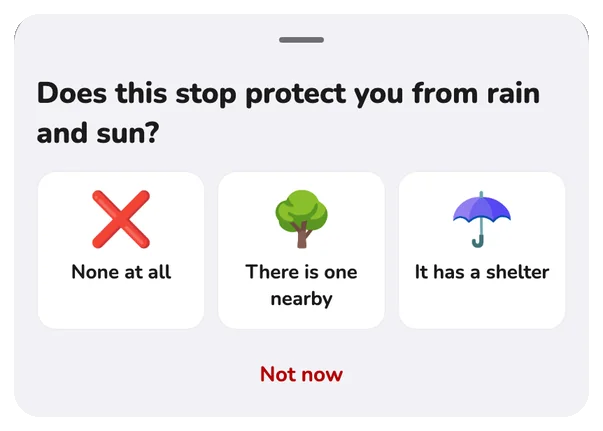
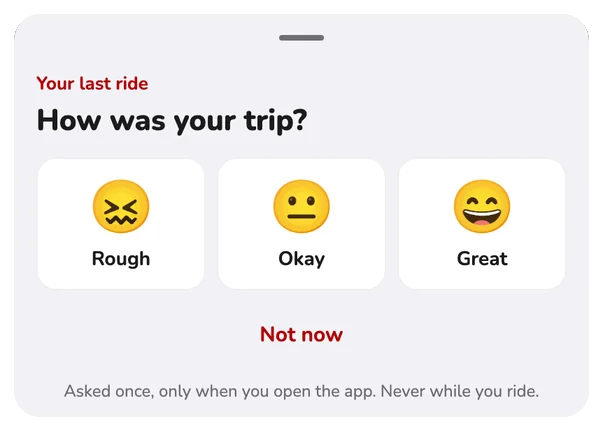
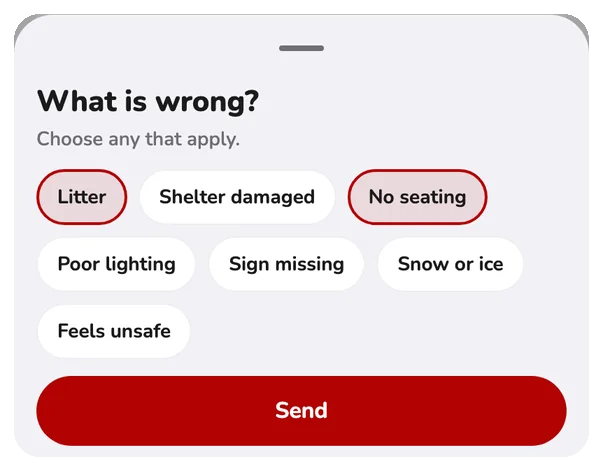
- About one question a day at most.
- After a ride, only when you open the app. Never while you ride.
- Skip any question. Skip a lot and it asks less.
Rate a route
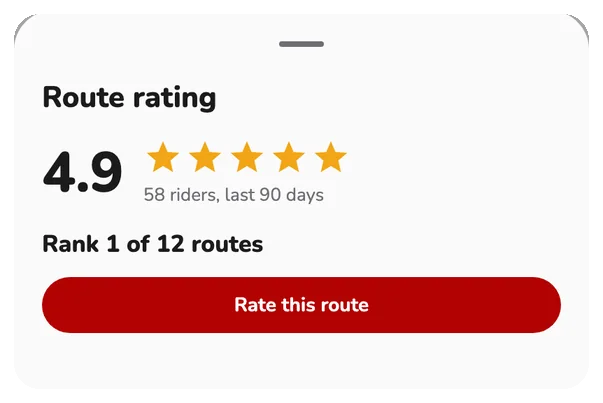
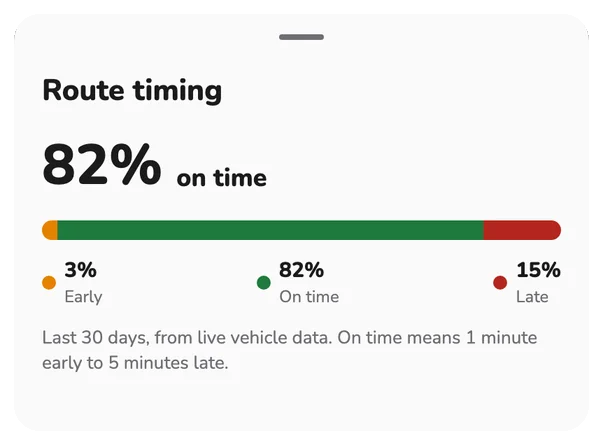
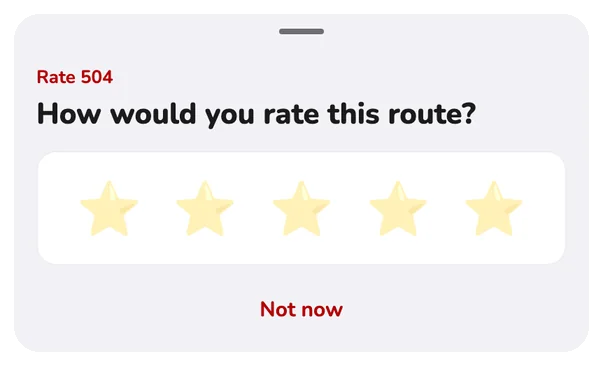
Tap Rate on a route to see its score and on-time record, and add your own stars.
Turn it off
More → App Settings → Rider Voice. Answers go to your agency with the route and stop, not your name. Privacy Policy.
Questions
What is Rider Voice?
Rider Voice is a short question the app sometimes asks at a stop, on the bus, after a ride or when you open the app. Your answers help your transit agency see what is working and what needs fixing, such as a clean shelter, a crowded bus or a good route.
How often will I be asked?
Not often. You are asked about one question a day at most and a few a week. Skip questions and the app asks less, with quiet stretches in between, and a new install starts with a few quiet days. A question about your last ride is asked once, only when you open the app, never while you ride.
What information is shared when I answer?
Your answer is tied to the transit agency and, when the question is about one, the route and the stop. It is not tied to your name. See our Privacy Policy at https://thecitytransit.com/privacy for full details.
How do I turn Rider Voice off?
Open More, tap App Settings and switch Rider Voice off. You can turn it back on at any time.
Do I have to answer?
No. Every question can be put aside with Skip or Not now, or ignored by swiping it away.
Can I rate a route myself?
Yes. On a route screen, tap the Rate chip to open the route rating. It shows the score and how many riders rated the route in the last days, and lets you add your own rating with five stars.