Start a ride
Pick a bus, tap Start Trip, then Set destination. Not sure of your stop? Choose Last stop.
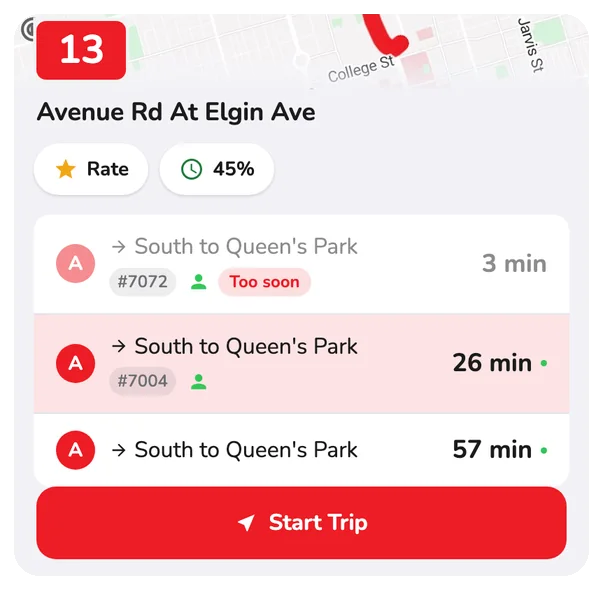
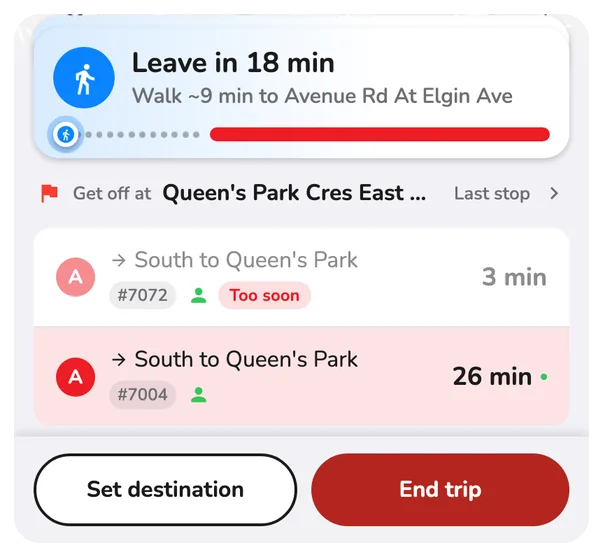
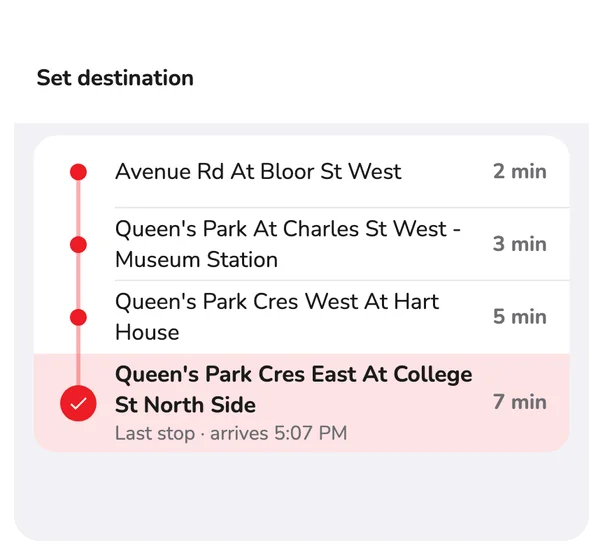
What you will see
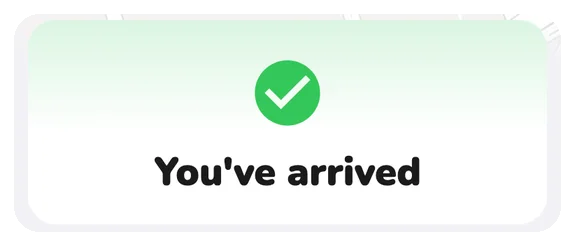
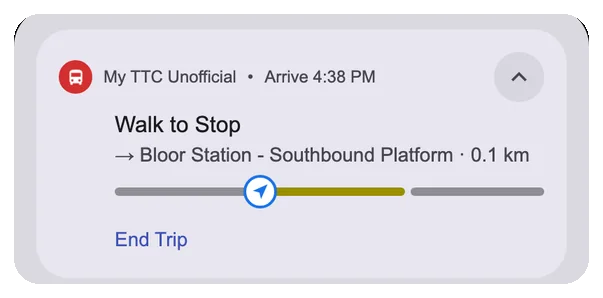
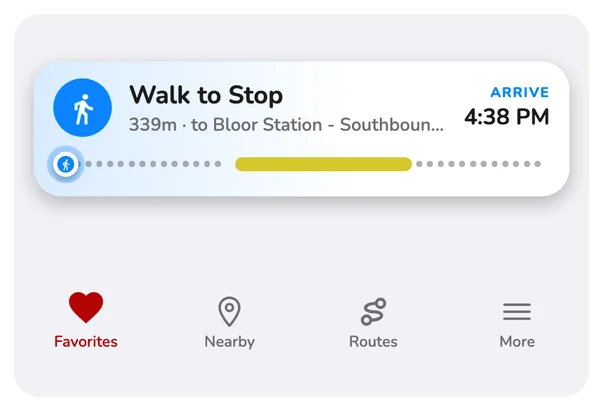
A bar follows you over every screen. The same words show on your lock screen.
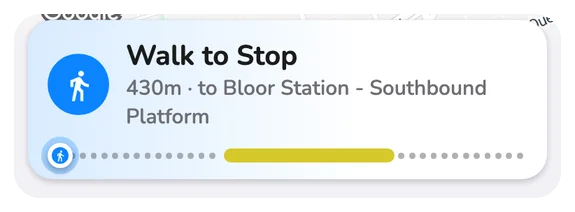
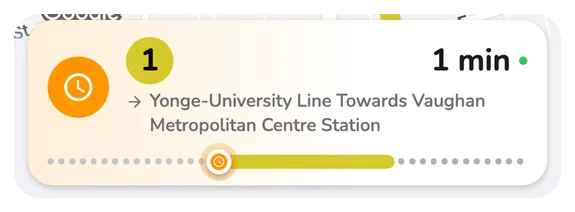
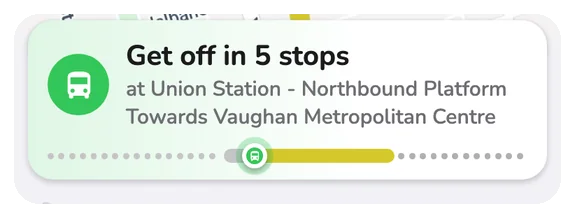
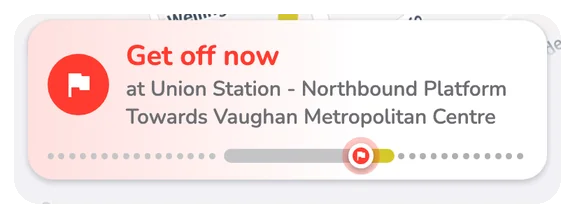
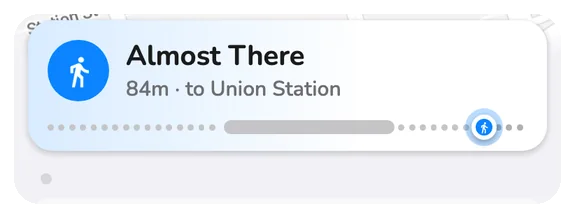
If something goes wrong
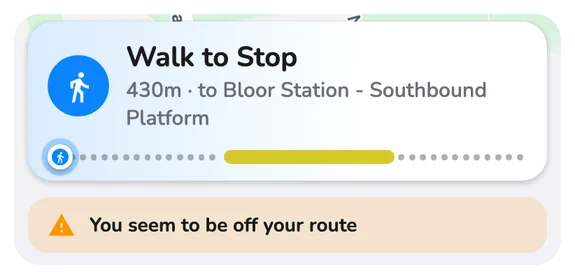
- Off route or late: the card warns you.
- Missed your bus: it shows the next one.
- Stop skipped by a detour: it offers the nearest stop before it. About detours.
Questions
How does CityTransit know when to tell me to get off?
Once you tap Start Trip and choose where you are getting off, CityTransit follows your phone's position against the stops of your bus. It warns you when your stop is next, tells you to get off at the stop, and lets you know if you passed it. The stop-following runs on your phone, so a brief loss of data connection does not stop it.
Can I use ride tracking with a trip I planned?
Yes. Start a planned trip from its detail screen and CityTransit guides every leg: walk to the stop, wait for the vehicle, ride, transfer and get off. It also warns you if you seem off route, are running behind the plan or may miss a connection.
What happens if my stop is skipped by a detour?
CityTransit tells you your stop is skipped today and offers the nearest stop before it. You can switch to that stop, or keep your original stop and be told when to get off at the nearest served stop.
How do I stop a ride?
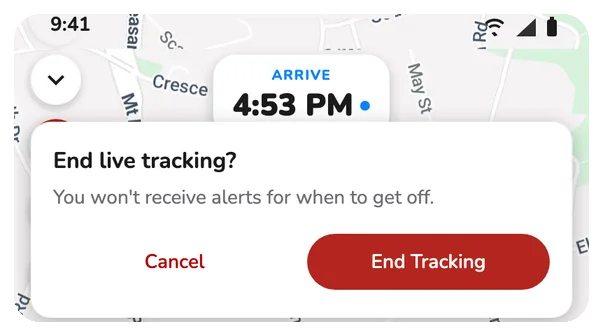
Tap End ride (or End trip) in the trip screen or the notification and confirm. You will stop getting alerts for that trip. A ride also ends by itself when you arrive.
What if I miss my bus?
CityTransit shows a Missed marker and, when there is a later bus, tells you the next one with its time, so you can keep going without starting over.