Notifications
CityTransit only sends one kind of notification: your arrival alarm countdown.
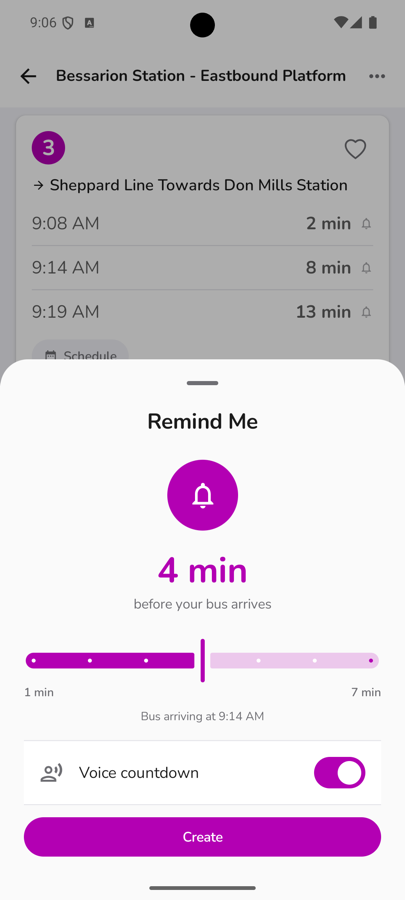
Countdown notifications
When you set an arrival alarm (see Getting Started), CityTransit sends a "Time to go!" notification as your bus or train approaches, with an optional spoken voice countdown if you'd rather not look at your phone. Tap the bell again, or the notification itself, to cancel it. If we can't reach live arrival data while your alarm is active, the alarm is cancelled automatically rather than firing at the wrong time.
Speak Arrival
Separately from alarms, turn on More → App Settings → Speak Arrival and CityTransit will read the next bus out loud whenever an arrivals list loads — handy if you're not looking at your screen.
Turning notifications on or off
Notifications are controlled by your device's system settings, the same way as any other app. If your alarm isn't coming through, check that notifications are enabled for CityTransit under your phone's Settings app.
Looking for service alert alerts?
Service alerts don't push a notification — they're a live list you check whenever you want. See Service Alerts for where to find them.