Detours
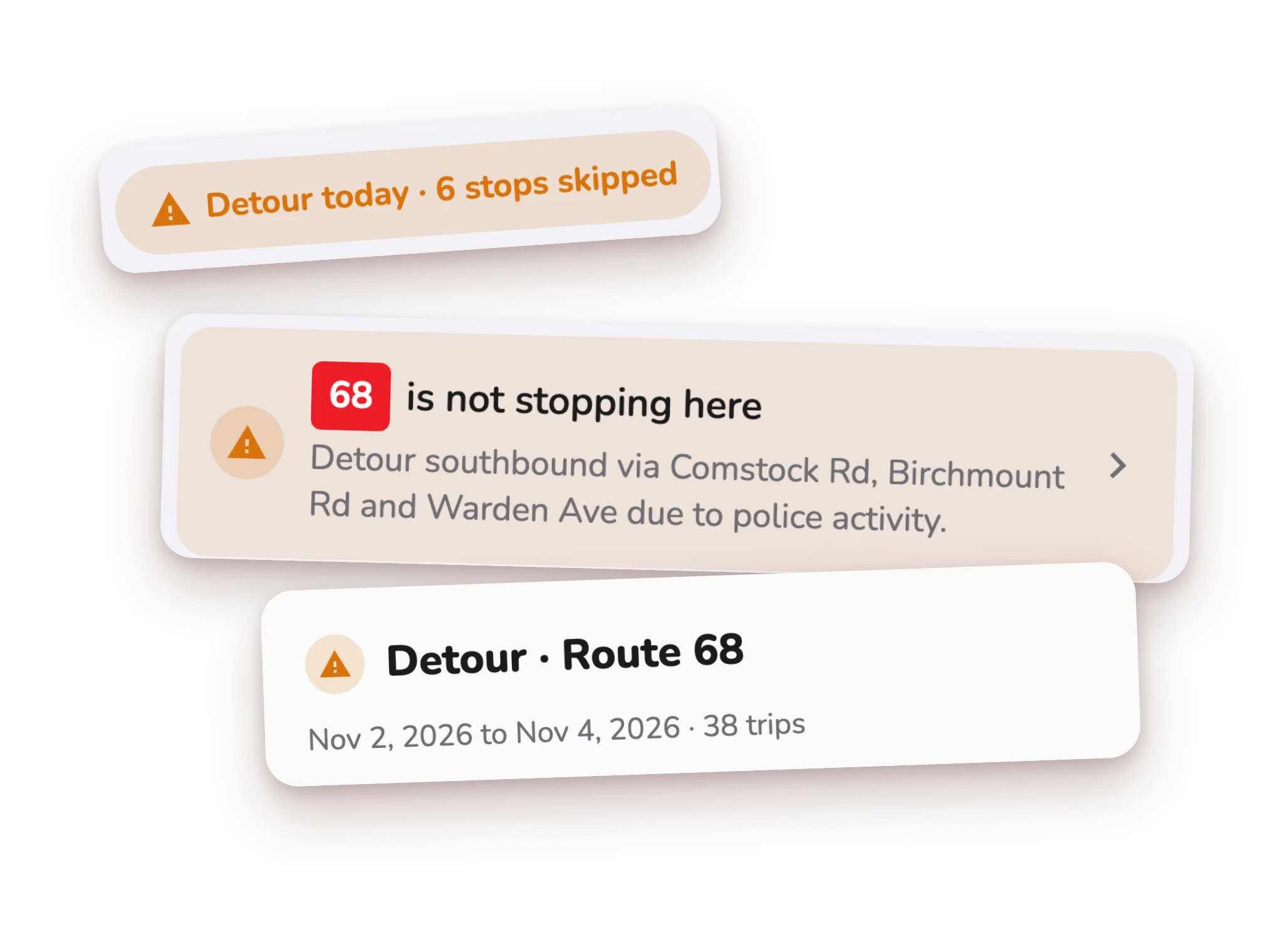
Don't wait at a stop the bus skips.
Streets close and buses take another way. CityTransit shows today's detour on the map, which stops are skipped, and where to go instead.
Free on iPhone and Android · TTC and other agencies
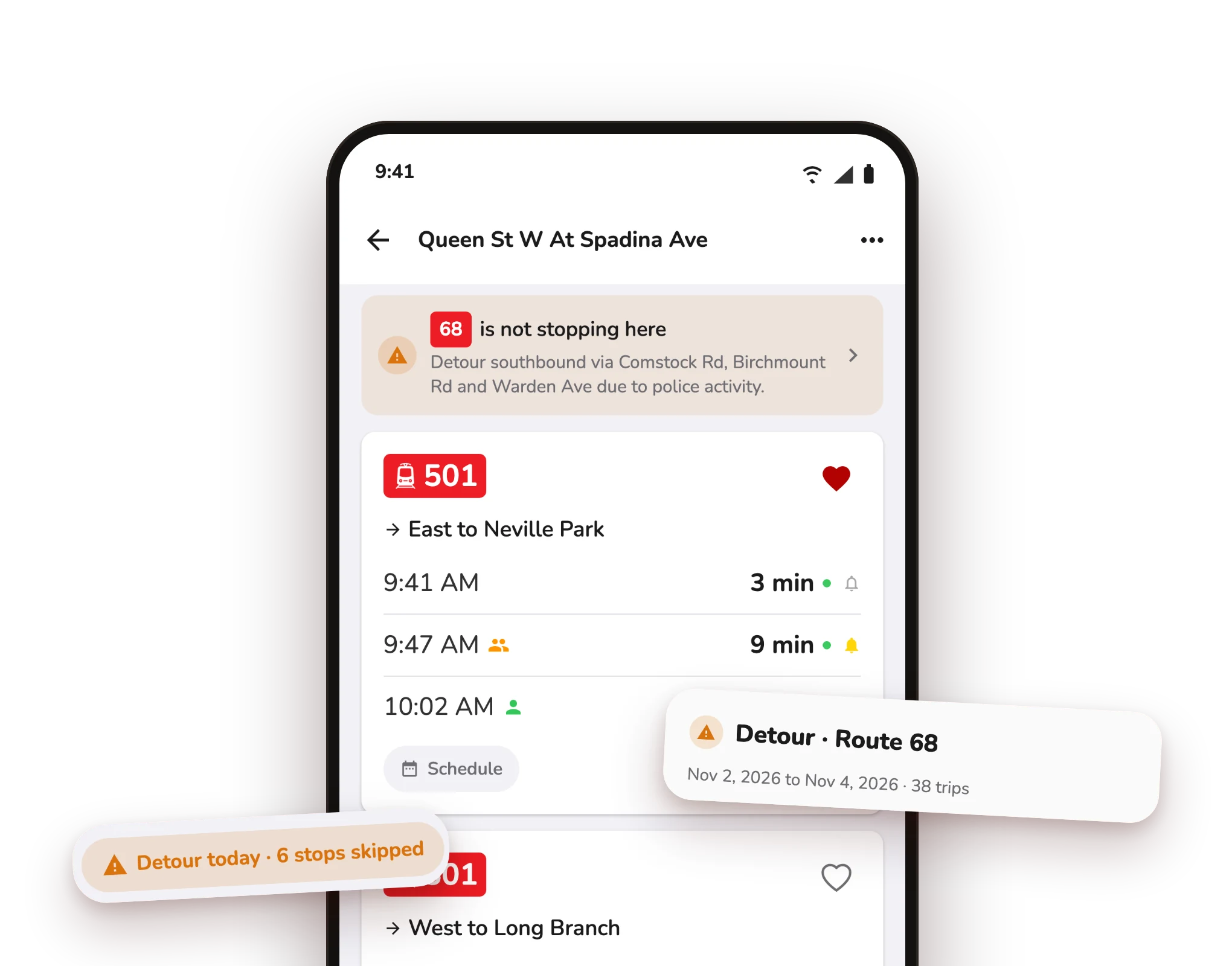
A heads-up at your stop.
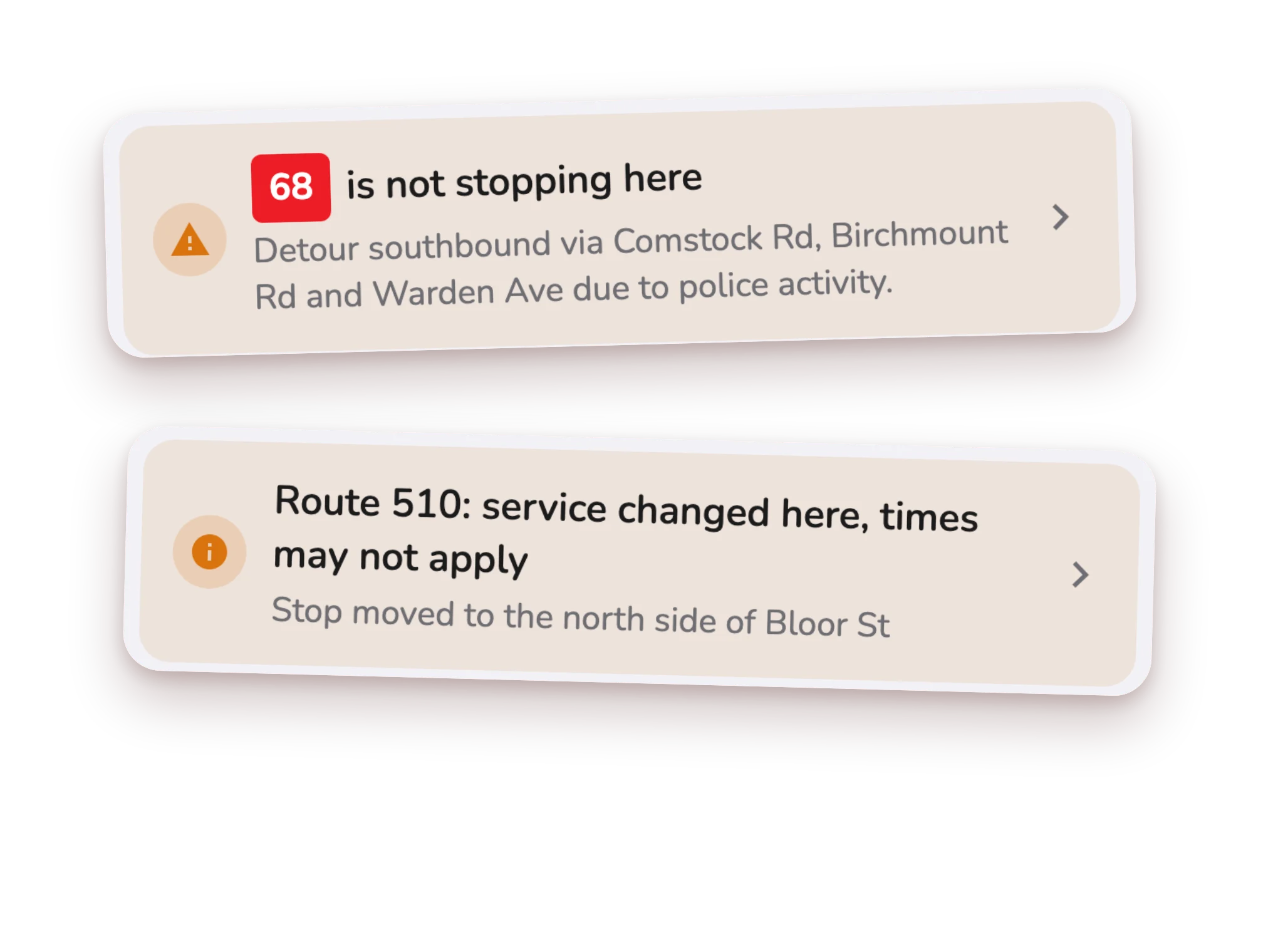
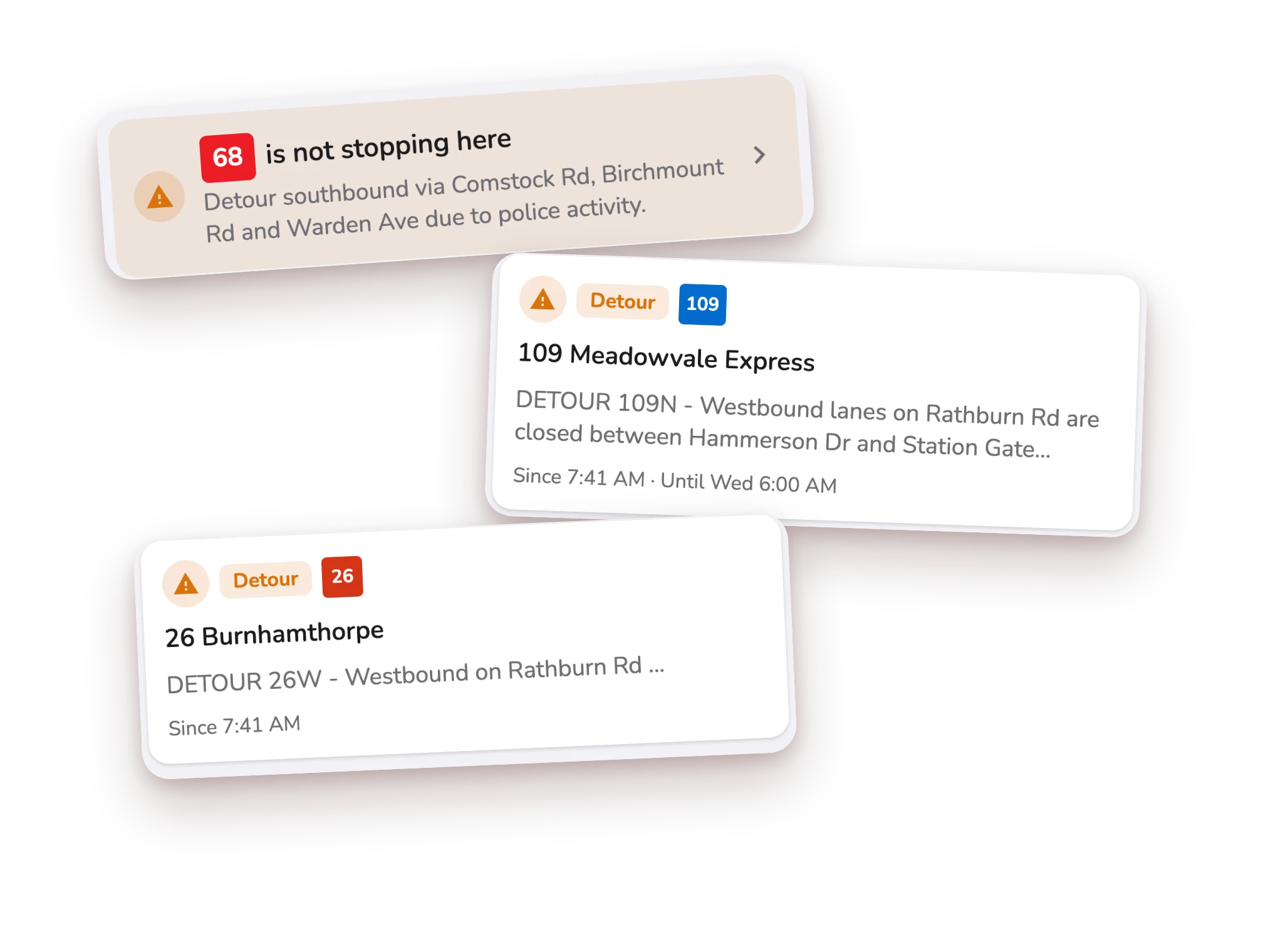
Open a stop and a banner tells you if a route is not stopping there today, or if service changed. Tap it for the full story.
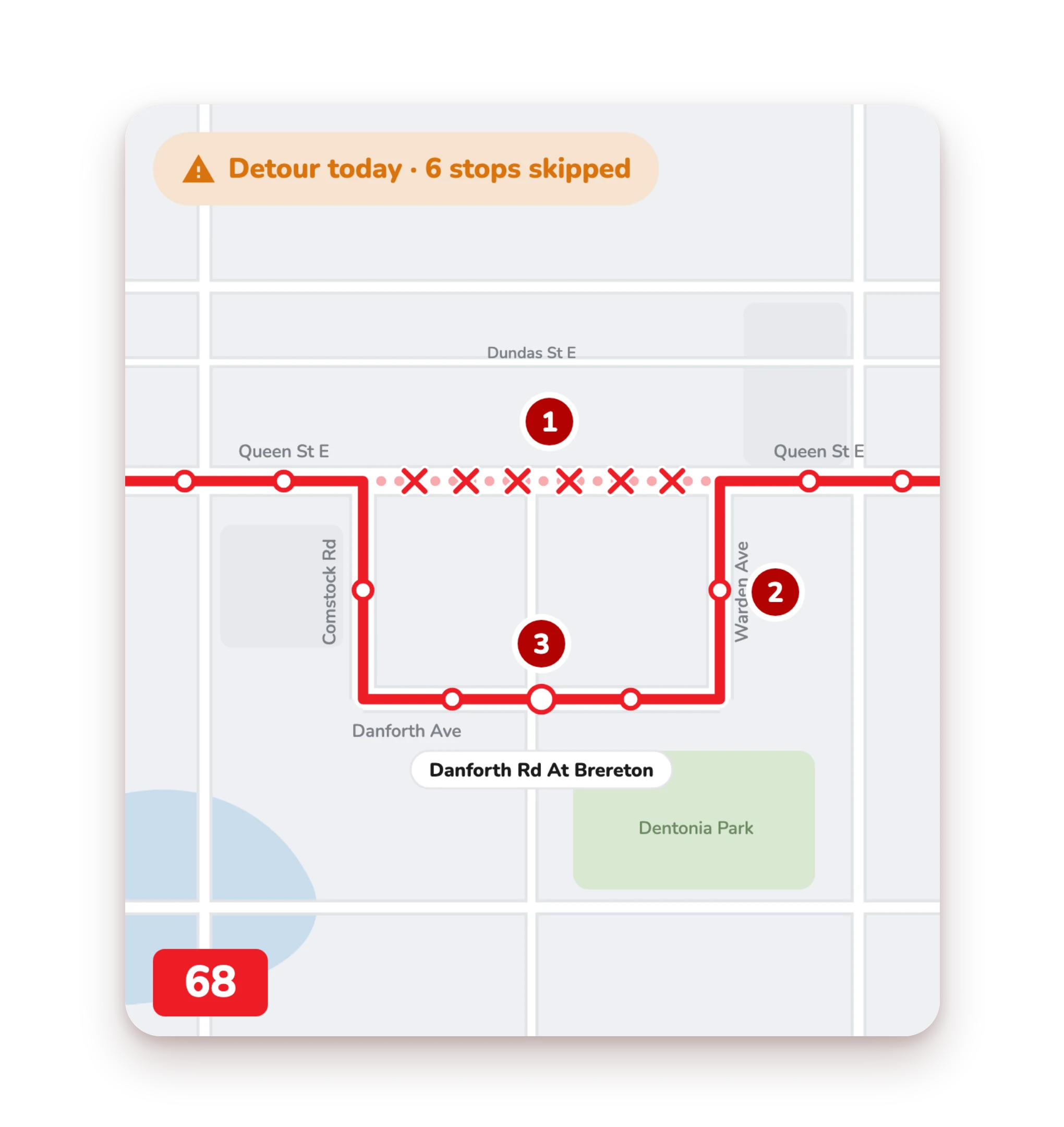
See where the bus goes instead.
Today's line is solid, the normal route is faded and dotted. A cross marks every skipped stop, and any stop the detour adds shows its name.
Three ways we've got you covered.
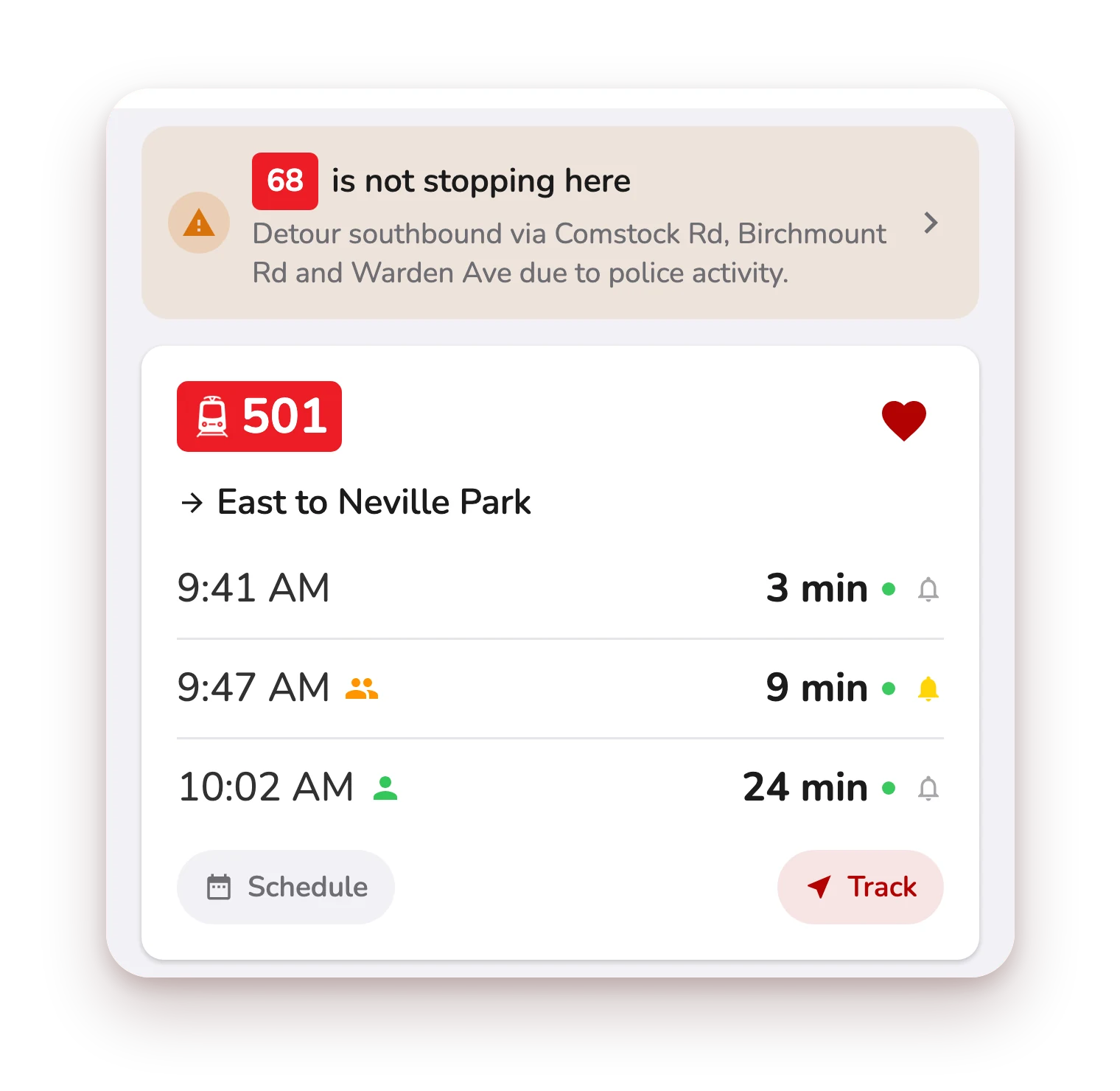
At your stop
A banner warns you before you wait.
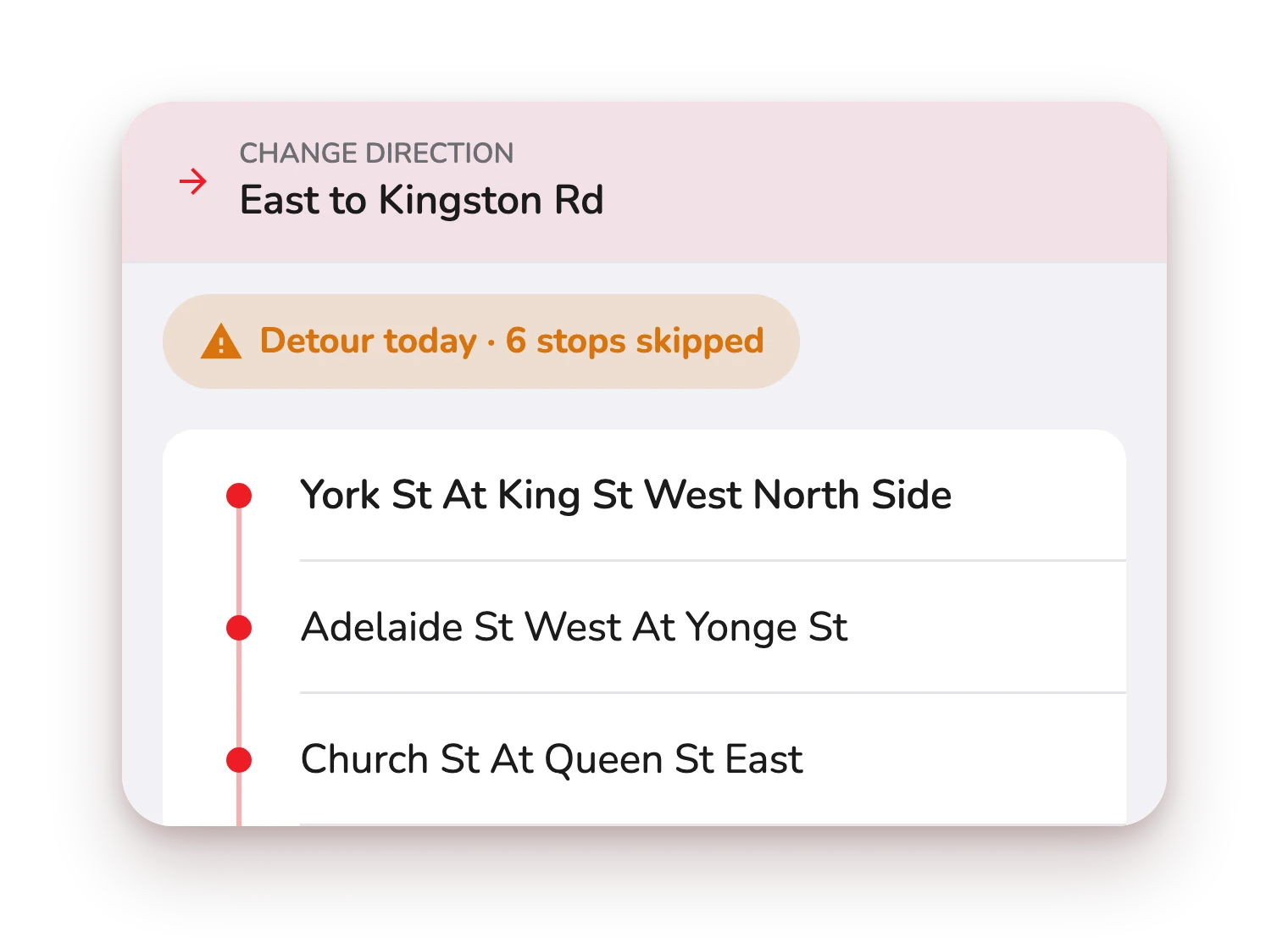
On the route
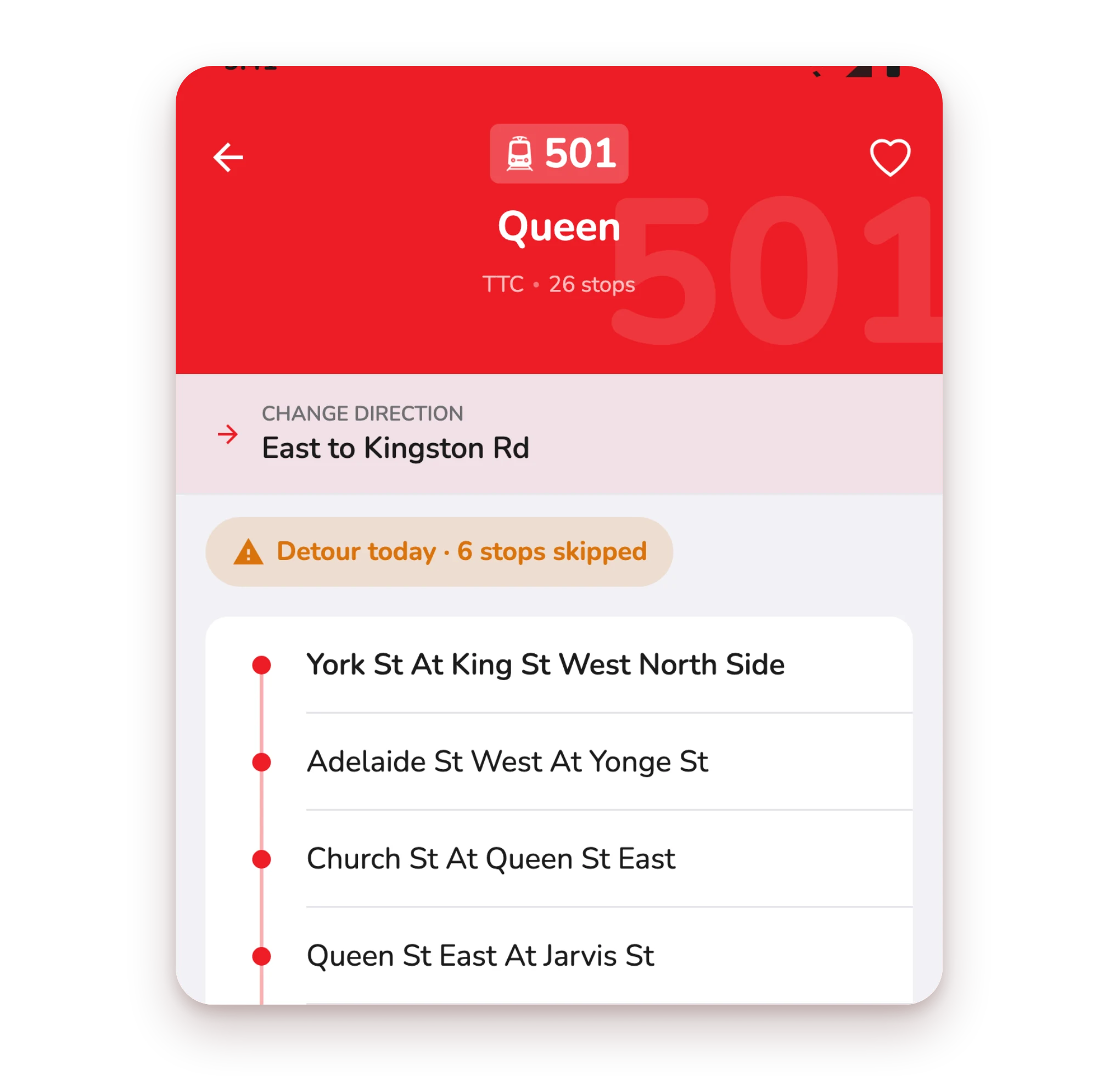
Tap Detour today for dates, trips and skipped stops.
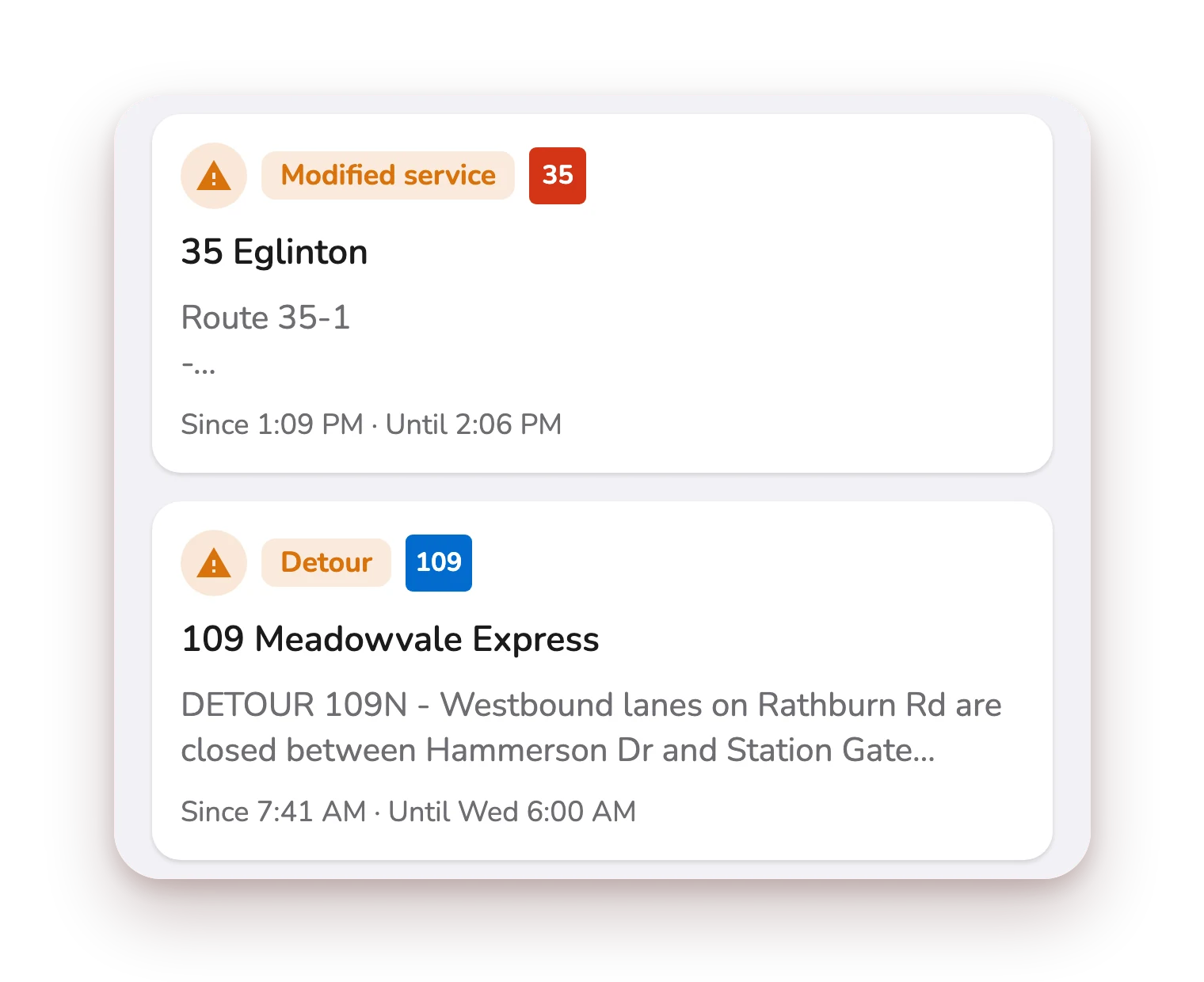
In your alerts
Detours sit in your alerts, your routes first.
Free on iPhone and Android
Know how long it lasts.
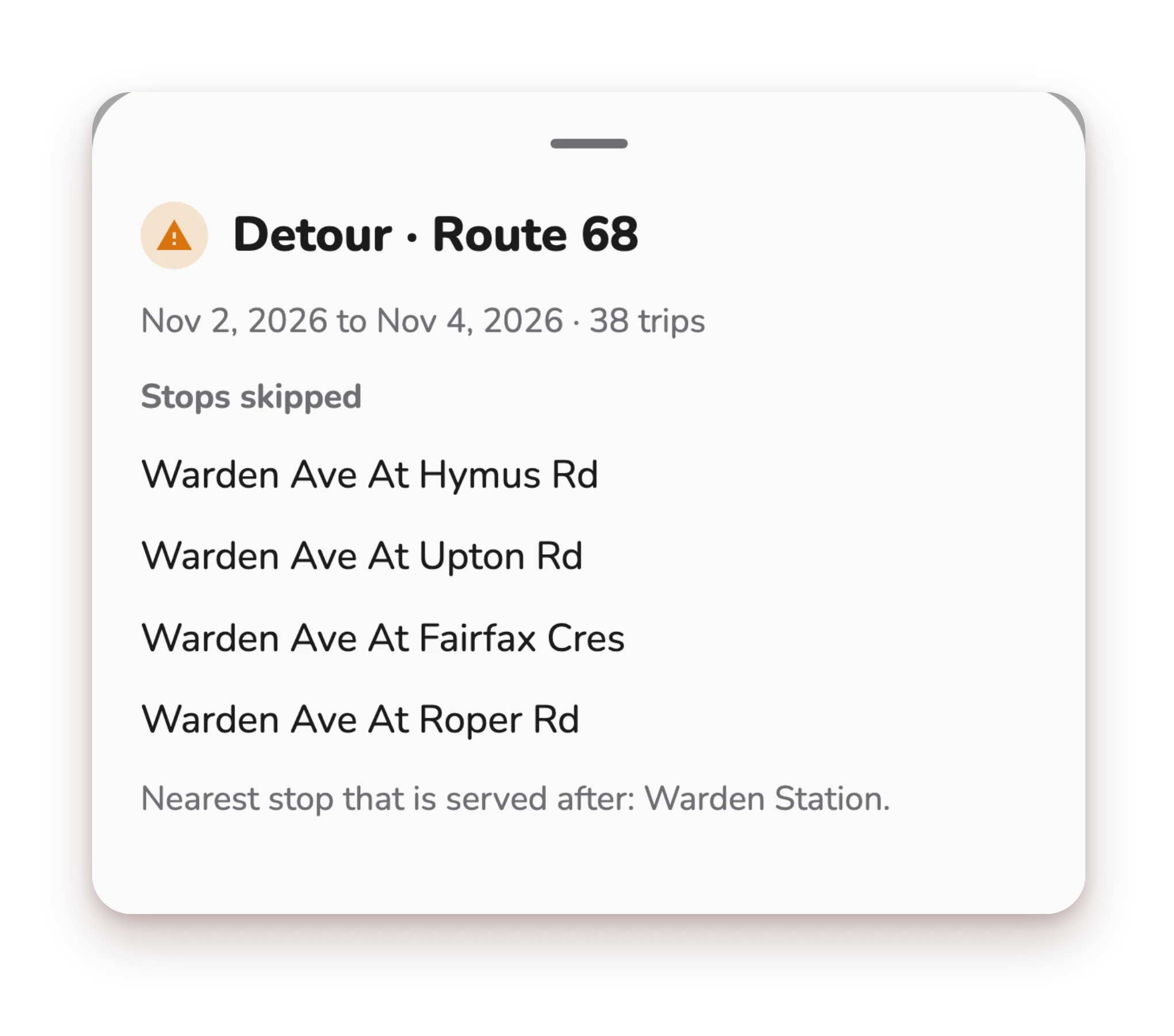
Each detour shows its dates and how many trips it affects, then the stops skipped, the stops added, and the nearest stops still served. So you know exactly where to board.
Built for the TTC, and more.
CityTransit supports detours for the TTC and other transit agencies, shown the same clear way everywhere: skipped stops on the map and in a plain list.
Your alarm and your ride know too.
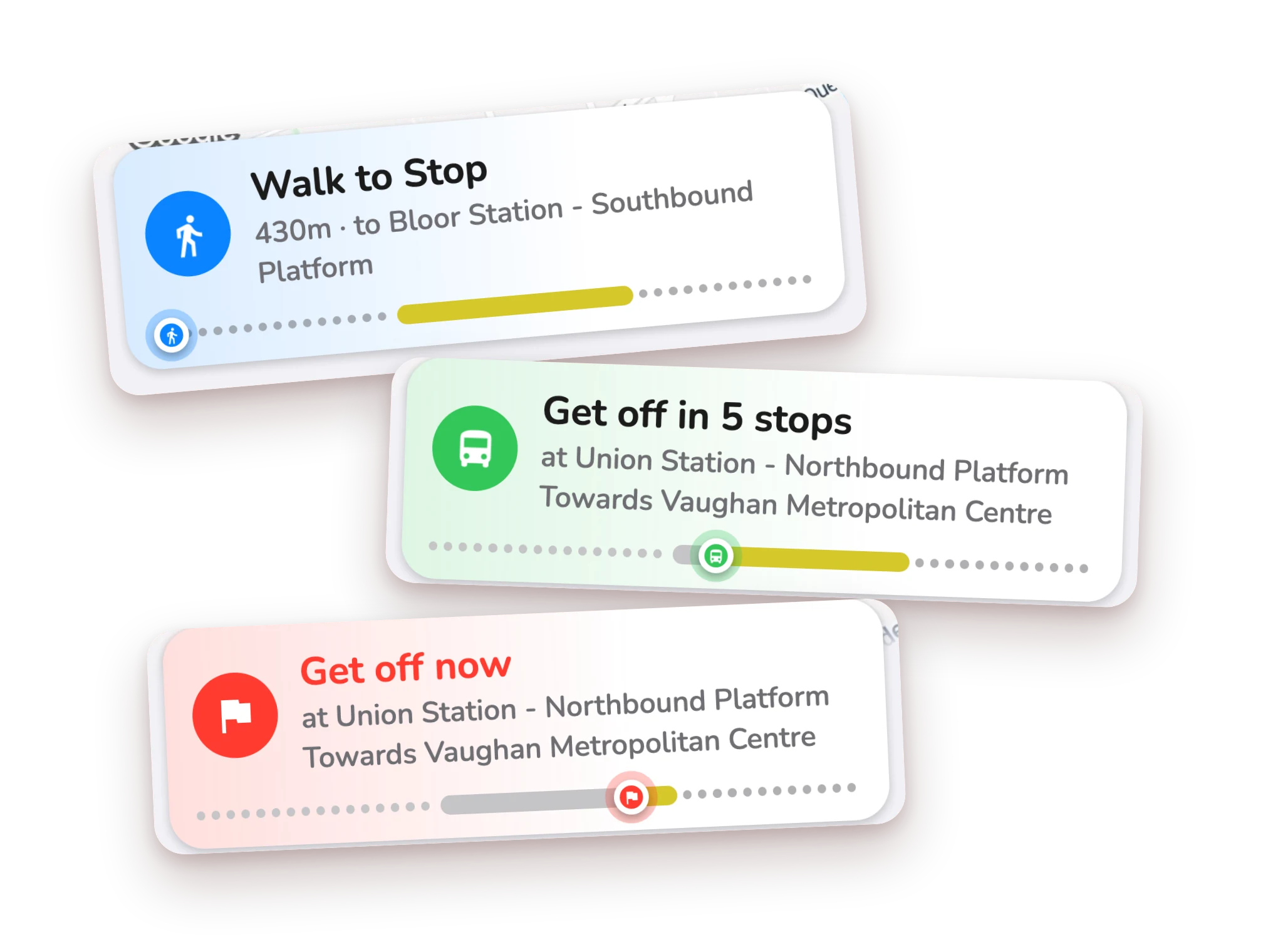
If the bus won't stop at your stop, your arrival alarm is cancelled and you're told. On a ride, CityTransit offers the nearest stop before yours.
Questions
What is a detour?
A detour is a temporary change to a route, for example when a street is closed. The bus follows a different path, so some stops are skipped. CityTransit shows today's detours on the route and at the stops they affect.
How do I see which stops are skipped?
Tap the Detour today pill on a route, or the banner at a stop. The detour sheet lists the dates, how many trips it affects, the stops skipped, any stops added, and the nearest stops that are still served. On the map, a cross marks each skipped stop.
Will my arrival alarm still ring if the bus skips my stop?
No. If a detour means the bus will not stop at your stop, CityTransit cancels the alarm and tells you, so you are not left waiting.
Which agencies have detours in CityTransit?
CityTransit supports detours for the TTC and other transit agencies. Where your agency publishes a detour, you will see it on the route, at the stop and in your service alerts.
Detour ahead?
You'll know.
Get CityTransit and see it before you leave.